BirthTandem

01No unlocking
Your phone stays locked. The timer still works.
In the middle of a contraction, nobody wants to type a passcode. Tap Start and Stop wherever your phone already is. Every one of these writes to the same timer.
-
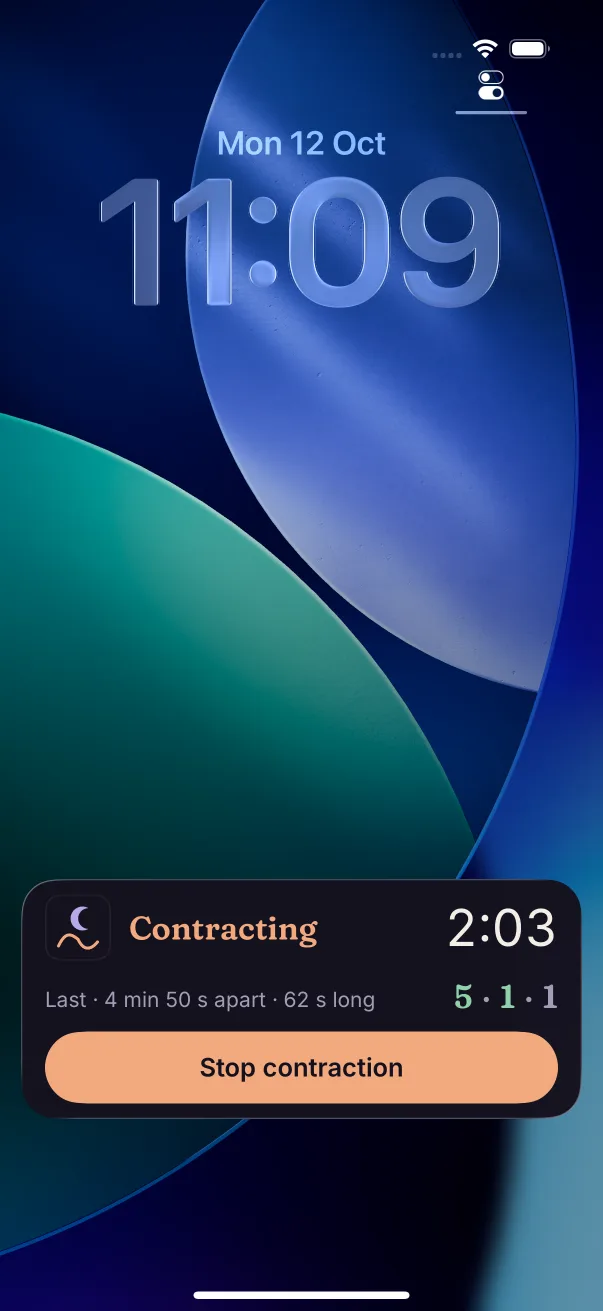
1Lock Screen
Start and stop without unlocking.
A big Stop button, the time so far, and your last interval and length. No passcode, no app to find.
-
2Dynamic Island
The count stays up top.
Reply to a message or look something up: the clock keeps running in the Dynamic Island. Press and hold it for the Stop button.
-
3Control Center, Action Button, Siri
Or don't look at all.
Add the Contraction toggle to Control Center, on iOS 18 and later. Set the Action Button to Time a contraction: press and hold to start, and again to stop. Or say
Start contraction in BirthTandem
. -
4The app
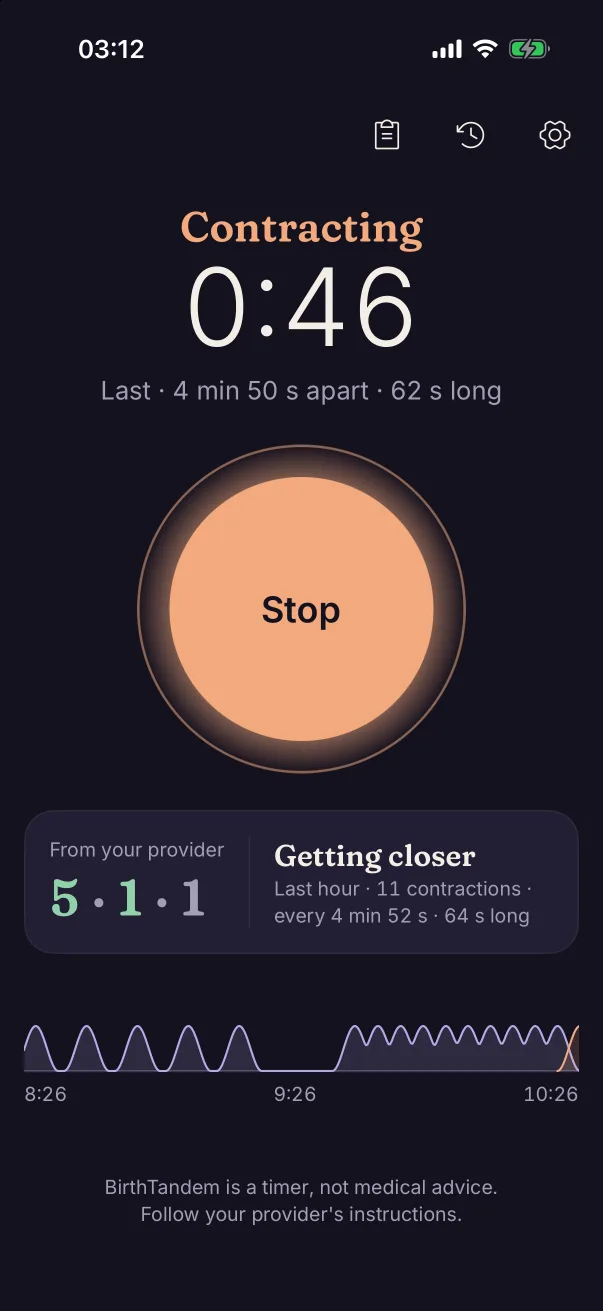
One big button.
BirthTandem opens straight onto it, with nothing in the way. Under it, the Tideline draws the last two hours, so the pattern shows at a glance.
-
5Mistakes happen
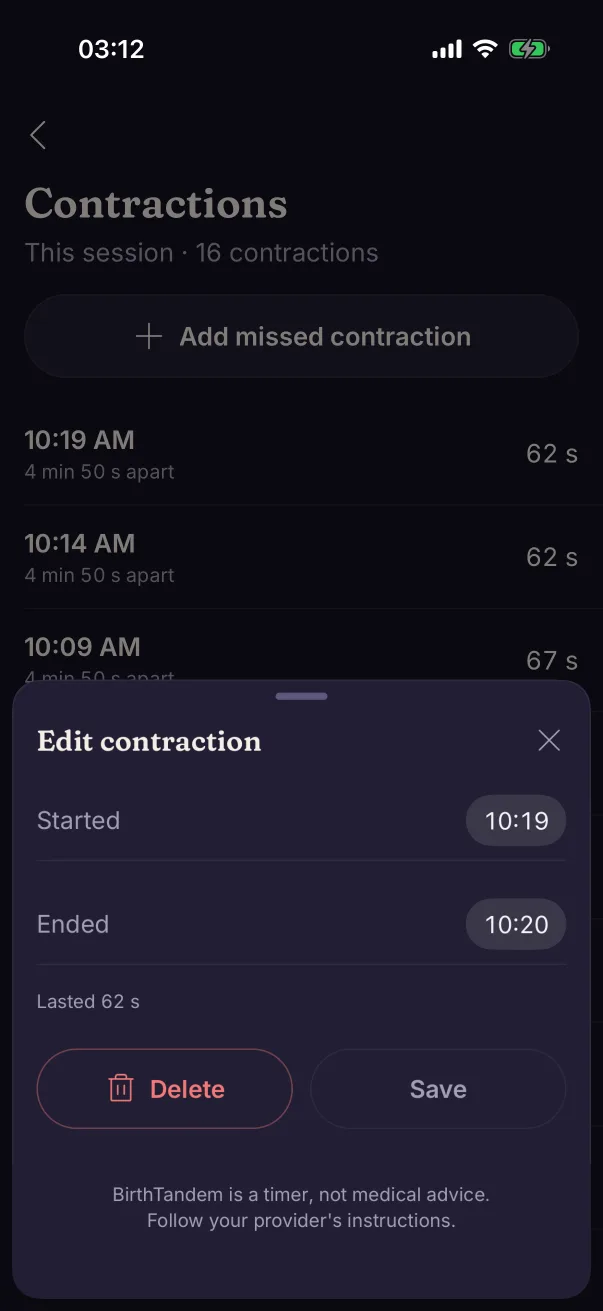
A wrong tap takes one tap to fix.
Every tap gets five seconds of Undo. Change a start or end time, delete one, or add one you forgot to time. All of it free, and never behind a paywall.